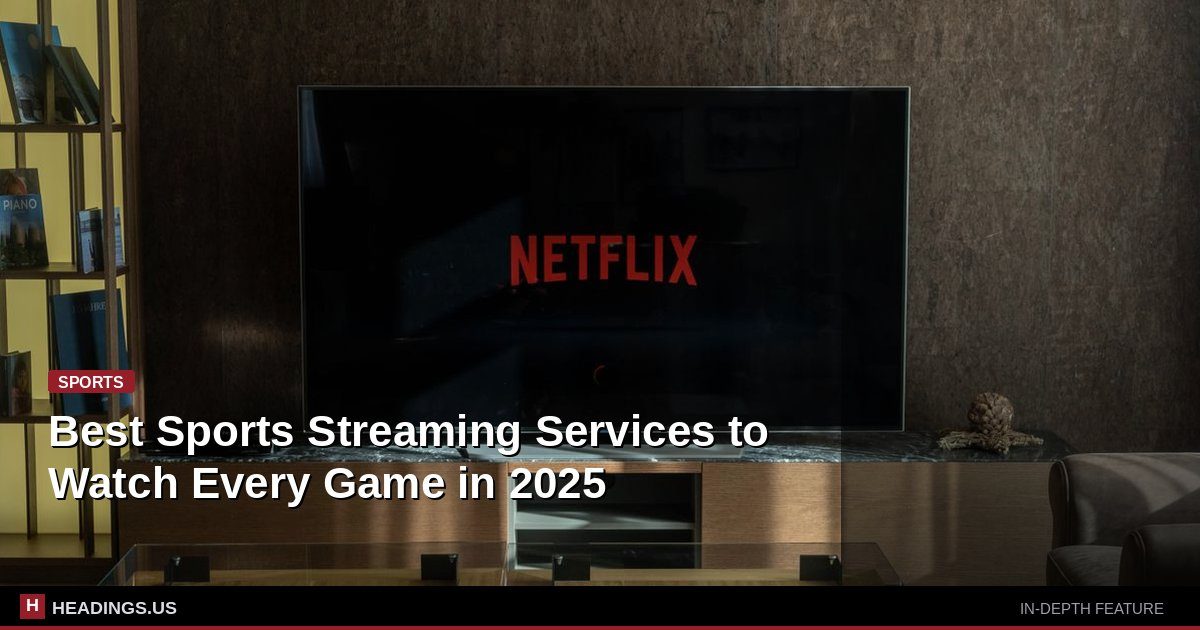
Americans are cutting the cord faster than ever. Roughly 60 percent of U.S. households now subscribe to at least one streaming service, and live sports sit at the center of that shift. The NFL's Thursday Night Football package on Amazon Prime Video drew an average audience north of 13 million viewers per game, proving fans will follow their teams onto apps they once used only for movies.
Here's the problem: no single service carries everything. The NFL splits its schedule across CBS, Fox, NBC, ESPN, Amazon, and Netflix. The NBA just signed a new set of rights deals that spread games across ABC, ESPN, NBC, and Amazon. Major League Baseball buries local games behind regional sports networks that most streaming bundles don't include.
So the real question isn't which service is best. It's which combination of services gets you the games you actually watch. This guide breaks down the major players, the real costs, and the tricks that save money.
The Big Four: Where Most Live Sports Live
Four services cover the majority of nationally televised games. If you only subscribe to two of them, you'll miss a meaningful chunk of the season.
YouTube TV
YouTube TV costs about $73 per month and carries ABC, CBS, Fox, NBC, ESPN, FS1, and the NBA TV and MLB Network channels. That's the widest live-sports channel lineup in the streaming world. It also includes unlimited DVR storage, which matters when three games kick off at the same time. The catch: prices have climbed steadily since launch, and YouTube TV dropped regional sports networks in several markets, so local MLB and NBA games may be blacked out.
Hulu + Live TV
Hulu + Live TV runs about $77 per month and bundles Disney+, ESPN+, and Hulu's on-demand library. You get the same core broadcast channels as YouTube TV plus the full ESPN family. If you watch a lot of college football or the NBA on ESPN, this bundle gives you more for roughly the same money. The DVR is weaker, though, and the interface frustrates some users.
Fubo
Fubo started as a soccer-first service and still carries more international sports than its rivals, including channels like beIN Sports and a deep regional sports network portfolio. At about $80 per month, it's the priciest of the big bundles, but it's the only one that reliably carries many regional sports networks. If your local NBA or NHL team plays on a regional network, Fubo may be your only streaming option.
Sling TV
Sling splits its service into two $40-per-month packages, Orange and Blue. Orange carries ESPN and the Disney channels. Blue carries Fox, NBC, and regional sports networks in select markets. Pay $55 for both and you get a decent slice of sports for less than the big bundles. The trade-off is a smaller channel list and no CBS in most markets.
The average American household now pays for four streaming services, according to market research firm Kantar. Adding a live TV bundle on top pushes many families past $150 a month, which is more than the cable package they left behind.
The Sport-Specific Apps: Cheap, But Limited
If you follow one league closely, a dedicated app often beats a full bundle.
NFL Sunday Ticket on YouTube
Sunday Ticket shows every out-of-market Sunday afternoon game. It costs around $379 per season for YouTube TV subscribers and more if you buy it through YouTube Primetime Channels. That sounds steep, but it replaces the old DirecTV package that ran over $300 and required a satellite dish. If you live outside your favorite team's market, this is the only legal way to watch every game.
NBA League Pass
League Pass starts around $15 per month or $100 per season and streams out-of-market games. Local games and nationally televised games are blacked out, which trips up a lot of new subscribers. Check the blackout rules for your zip code before you buy.
MLB.TV
MLB.TV costs about $150 per season for all out-of-market games. The league has loosened blackout restrictions in recent years and now offers single-team packages for around $130. If you live in your team's home market, you still can't watch locally, and that's the single biggest complaint fans have about the service.
ESPN+
ESPN+ runs about $12 per month and carries NHL games, college sports, soccer from multiple leagues, and a growing slate of exclusive MLB and NFL content. It does not include the main ESPN channel, so you can't watch Monday Night Football on it alone. Pair it with a live TV bundle or the Disney trio bundle to get real value.
Free Options Most Fans Overlook
You don't have to pay for everything. Several legitimate free services carry live sports.
- Tubi streams NFL games in select markets, plus soccer and motorsports, at no cost.
- Pluto TV carries channels from the NFL, MLB, and major soccer leagues.
- The Roku Channel offers free live sports including minor league baseball and combat sports.
- Over-the-air antenna pulls in ABC, CBS, Fox, and NBC for free in most metro areas. A $30 antenna gets you Sunday NFL games, the World Series, and the Super Bowl in high definition.
An antenna plus a cheap streaming bundle is the single best money-saving combo in sports viewing right now. You get the biggest games free and pay only for the cable channels you can't get over the air.
How to Build a Lineup Without Overpaying
Start with the sports you actually watch, not the ones you might watch. A fan who follows the NFL and nothing else needs far less than someone juggling the NBA, MLB, and Premier League.
For an NFL-first fan, an antenna plus Paramount+ and Peacock covers most Sunday games and the primetime slots. Add Amazon Prime Video for Thursday nights. Total cost: roughly $25 per month outside of the Prime membership you may already have.
For an NBA and MLB fan, YouTube TV or Fubo plus the league's out-of-market app covers nearly everything. Expect $90 to $100 per month.
For a college sports diehard, Hulu + Live TV with the ESPN bundle is the strongest single purchase. It covers the SEC, Big Ten, and ACC across ESPN, ABC, and the conference networks.
Rotate subscriptions. Sign up for a service when your season starts and cancel when it ends. Most services bill monthly with no contract, and canceling takes two clicks. A family that rotates three services over a year can save several hundred dollars compared to carrying all of them at once.
What to Watch Before You Commit
Three things trip up new sports streamers more than anything else.
Blackouts. Every league blacks out local games on its out-of-market app. If your team plays in your market, you need a service that carries the local regional sports network, and those are increasingly hard to find.
Streaming delays. Live streams run 30 to 60 seconds behind broadcast TV. If you follow a game on social media while watching, you'll see spoilers before the play happens on your screen.
Internet speed. Live sports in 4K need a steady 25 Mbps per stream. A household running three games at once needs a plan that handles it. Check your speed before you blame the app.